
Billing FAQs

Submit a meter reading
To read your electric meter, record the numbers shown from left to right and ignore any numbers after a decimal point or shown in red.
The exact steps depend on the type of electricity meter you have:
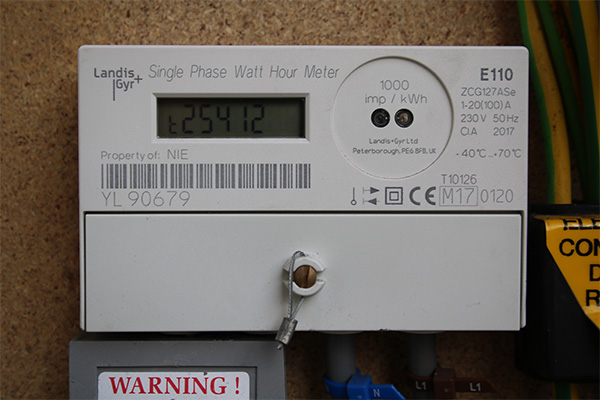
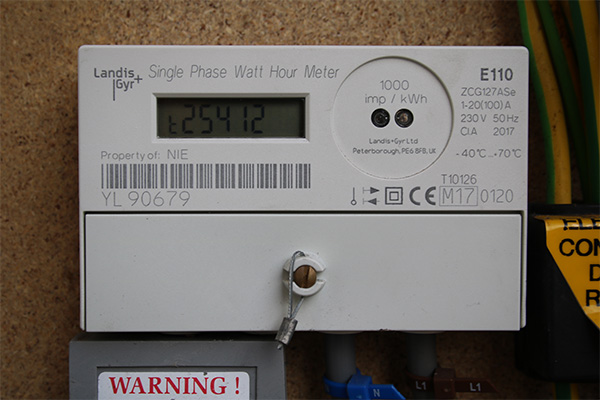
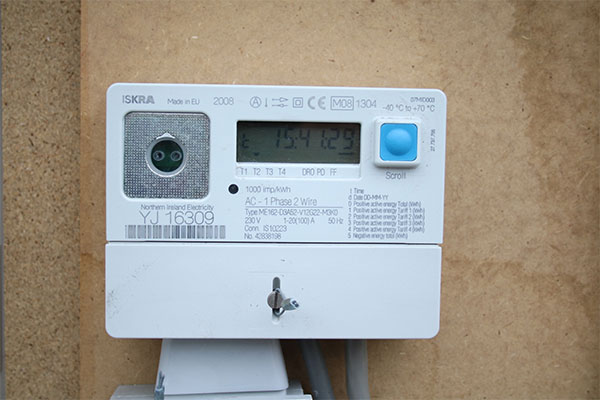
● Digital meter: Record all the numbers shown before any decimal point.
.jpg "Digital-meter-(2).jpg")
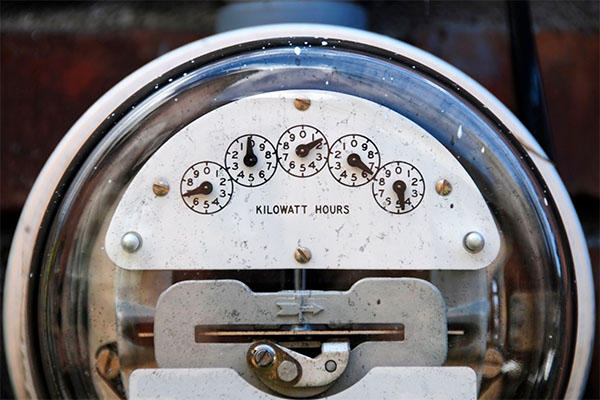
● Dial/clock meter: Read each dial from left to right and record the number each pointer has just passed. If the clock hand is pointing between two numbers, read the lower number.
.jpg "Clock-meter-(1).jpg")
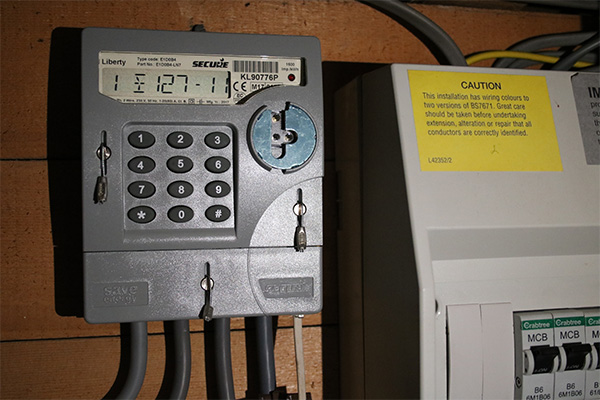
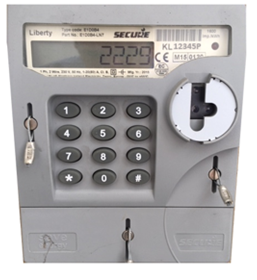
● Keypad meter: Press 9 on the keypad. Display the meter reading on screen and record the numbers shown.
If you're unsure which type of meter you have, see the FAQs below for step-by-step instructions for digital, dial and keypad electricity meters.
Submit a meter reading
To read your electric meter, record the numbers shown from left to right and ignore any numbers after a decimal point or shown in red.
The exact steps depend on the type of electricity meter you have:
● Digital meter: Record all the numbers shown before any decimal point.
● Dial/clock meter: Read each dial from left to right and record the number each pointer has just passed. If the clock hand is pointing between two numbers, read the lower number.
● Keypad meter: Press 9 on the keypad. Display the meter reading on screen and record the numbers shown.
If you're unsure which type of meter you have, see the FAQs below for step-by-step instructions for digital, dial and keypad electricity meters.

Submit a meter reading
There are a few different types of meter. To help you with reading your meter please find your correct meter type below.
Keypad meter:
Push 3 on the freedom unit for the first read.
Push 3 again for the second reading.
.jpg "Keypad-(2).jpg")
Still have questions?
Our team of energy experts would be happy to answer any questions. We’re here to help.
Contact us
Mandatory fields